01
Before you start
- Install and open the program.
- Gather product, packaging, shipping, labor and fee costs.
Windows installation: Download the customer ZIP from Payhip, extract it, open the Setup file and follow the installation prompts.
02
Step-by-step
- 1
Enter the product price and all costs.
- 2
Choose free shipping, flat shipping or shipping charged to the customer.
- 3
Enter the applicable payment fee assumptions.
- 4
Review profit and margin for each shipping approach.
- 5
Adjust the price or shipping charge until the result meets your target.
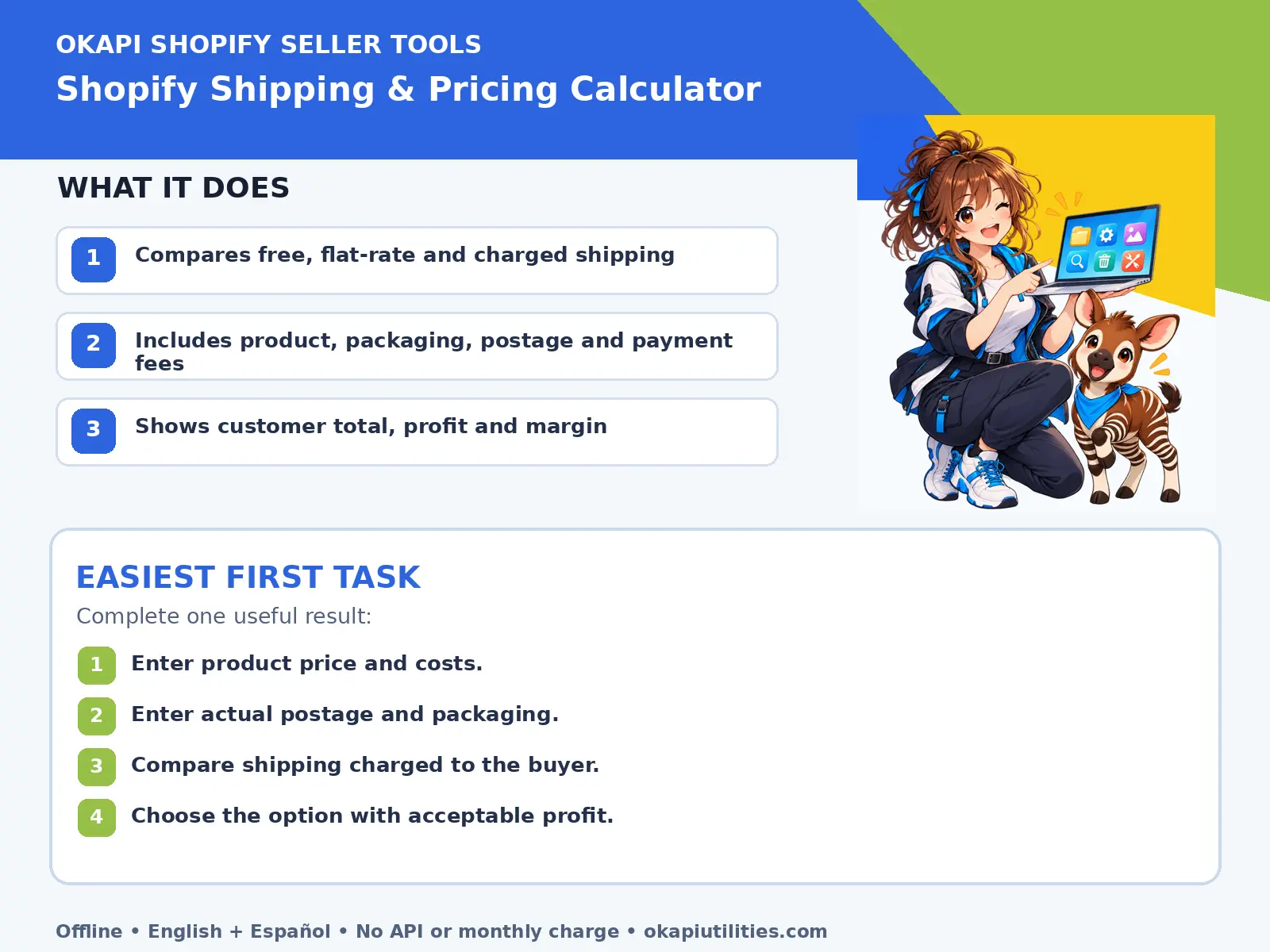
VISUAL QUICK GUIDE
Anime Quick Guide
Main features and the easiest first task, on one printable sheet.
03
What each main feature does
Use this feature as part of the numbered workflow above. Review the on-screen result before saving, downloading or continuing.
Use this feature as part of the numbered workflow above. Review the on-screen result before saving, downloading or continuing.
Use this feature as part of the numbered workflow above. Review the on-screen result before saving, downloading or continuing.
04
Save or export your work
Keep the chosen calculation with the product pricing record.
05
Troubleshooting
- If a button does nothing, complete the earlier steps and make sure the required file or device is selected.
- For Windows programs, close and reopen the program after connecting a new device.
- Include packaging and return risk.
- Compare real carrier rates before publishing.
Your files stay on your device unless the app clearly tells you that an upload is required.