01
Before you start
- Install Okapi Piano Sight Reader.
- Connect and power on the MIDI instrument and USB-MIDI interface.
Windows installation: Download the customer ZIP from Payhip, extract it, open the Setup file and follow the installation prompts.
02
Step-by-step
- 1
Select the MIDI input and confirm the connection.
- 2
Choose treble, bass or grand staff.
- 3
Choose Beginner, Novice or Experienced.
- 4
Set the movement speed with the Slower and Faster buttons.
- 5
Start the lesson and listen to the brief reference tone when each note appears.
- 6
Play the displayed note before it reaches the play line; the correct note silences the reference tone.
- 7
Use the onscreen keyboard and mistake feedback to correct your response.
- 8
Review the lesson score, accuracy and progress when the lesson ends.
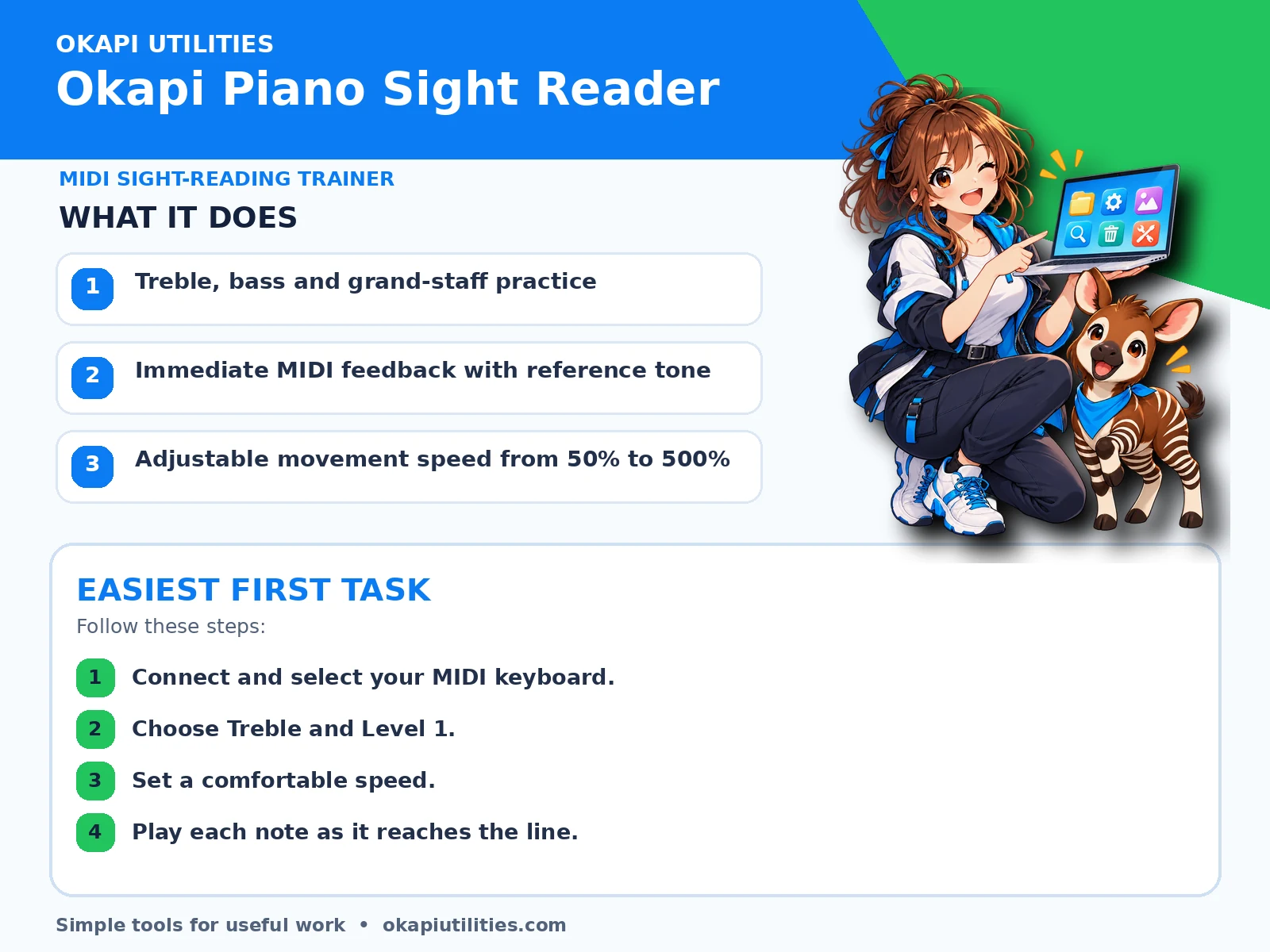
VISUAL QUICK GUIDE
Anime Quick Guide
Main features and the easiest first task, on one printable sheet.
03
What each main feature does
Use this feature as part of the numbered workflow above. Review the on-screen result before saving, downloading or continuing.
Use this feature as part of the numbered workflow above. Review the on-screen result before saving, downloading or continuing.
Use this feature as part of the numbered workflow above. Review the on-screen result before saving, downloading or continuing.
04
Save or export your work
Lesson results are shown during the session; no music file is created.
05
Troubleshooting
- If a button does nothing, complete the earlier steps and make sure the required file or device is selected.
- For Windows programs, close and reopen the program after connecting a new device.
- Begin at a slow speed and increase it only after accuracy improves.
- Practice one staff at a time before using the grand staff.
- Use Help inside the program for a control-by-control guide.
Your files stay on your device unless the app clearly tells you that an upload is required.